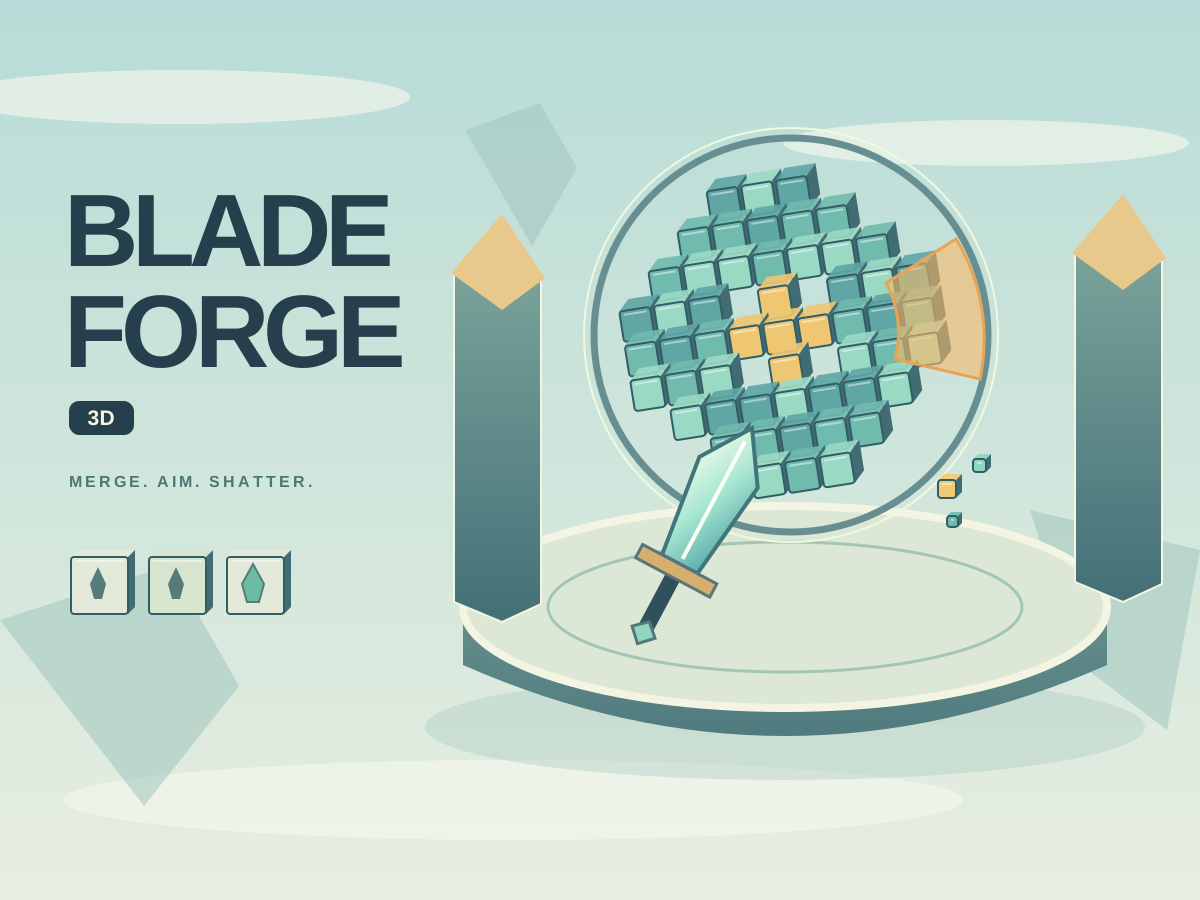
Blade Forge 3D pairs a small merge workbench with a three-dimensional target range. Combine matching blades, equip a stronger tier and dismantle rotating machines before your throws run out. Twelve stages span three floating foundries, with a separate daily crucible for a shared challenge.
How do you play Blade Forge 3D online?
- 1Enter the forge and inspect the nine-slot workbench. Select one blade, then select another of the same tier to combine them. A successful merge creates one blade of the next tier and frees the first slot.
- 2You can also drag a blade onto a matching one. Dragging onto an empty slot moves it; dragging onto a different tier swaps their places. Tap selection works on phones and with keyboard-focused buttons.
- 3Forge a tier-one blade for 20 scrap when you have an empty slot. Recycling the selected blade returns eight scrap per tier, but the last remaining blade cannot be recycled.
- 4Choose the blade you want to use, then launch the volley. Your equipped blade is reusable: each throw spends ammunition, not the item in the workbench.
- 5Move the pointer over the machine and click to throw. On touch screens, press and drag to aim, then lift your finger inside the scene to throw. A canceled gesture does not fire.
- 6With the game focused, use arrow keys to move the reticle and Space to throw. The Throw blade button fires at the current reticle. P or Escape pauses; return from a hidden tab with Resume.
What are the rules of Blade Forge 3D?
- –Clear every block to finish a stage. Gold cores have more health and award more points. Darkened blocks have been damaged but still need another impact.
- –Tiers one and two make precise impacts. Three and four have a larger splash. Five and six cover more area and deal two damage. Seven and eight add a delayed echo strike.
- –Later machines carry a rotating amber shield. It blocks an ordinary throw through its visible sector; a prism echo passes through. Aim around it or wait for a clear angle.
- –Each stage has a finite throw budget. Misses and shield blocks spend throws. Retry restores the full budget and keeps your campaign equipment.
- –One star means a clear. Two require at least 60% accuracy. Three require at least 80% accuracy and two throws left. Score also rewards blocks, cores, spare throws and medal quality.
- –Campaign clears grant scrap and unlock the next stage. Stages four, eight and twelve are larger boss machines. Daily starts with its own fixed gear and wallet on every attempt; its date-seeded layout is shared across languages.
What are the best tips for winning at Blade Forge 3D?
- –Merge the starting pairs before buying more blades. A new tier can clear several adjacent blocks with one throw.
- –Gold cores take multiple hits. Revisit a darkened core instead of assuming the first impact destroyed it.
- –After clearing the centre, move the reticle to the remaining outer blocks. Repeatedly throwing into an empty hole wastes ammunition.
- –Wait for an amber shield to rotate away; the stage has no countdown.
What is Blade Forge 3D?
The forge and the range ask different questions. At the workbench, an extra merge creates space and changes your next weapon’s impact pattern. At the range, choosing a useful landing point matters more than clicking quickly. Machines rotate during the blade’s short flight, so leading an outer block can be better than aiming at where it is now. Sunlit Foundry, Cloud Reactor and Astral Kiln change the environment as the expedition advances. All machines, blades, floating islands and fragments are original procedural geometry rendered with WebGL. There are no human targets. Sound is optional and starts off; reduced motion removes flying debris and blade spin. Equipment, medals and daily records stay in this browser on this device.